
Syncing your favourite schedules, events, and reminders to Apple Calendar ensures you never miss a moment. To provide the most reliable experience, ECAL connects to your apple calendar via a live subscription link, often referred to as an “iCal” or “.ics” subscription.
- Step 1: Click the ‘Sync to Calendar’ button on the publishers website.
- Step 2: Select the Schedule(s) you wish to add to calendar and click the ‘Sync Schedule‘ button.
- Step 3: Choose the ‘Apple’ option from the list of calendars
- Step 4: Confirm your details
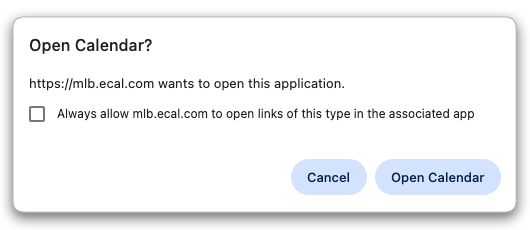
- Step 5: A dialog box will open, asking you open your apple calendar. Please click ‘Open Calendar’.
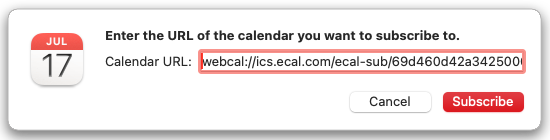
- Step 6: With your apple calendar now open, a pop-up will have your sync URL pre-entered. This is your unique ics link. Please click ‘Subscribe’ .
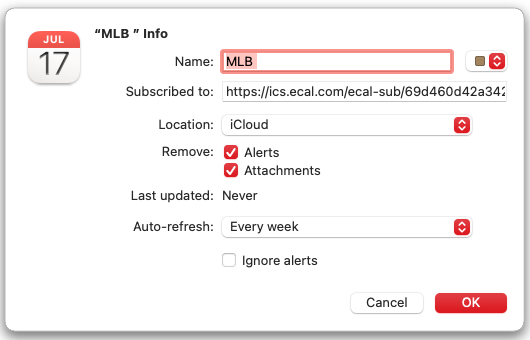
- Step 7: The pop-up will provide you with calendar options which you can edit (e.g name, alerts, attachments). Please click ‘ok’.
- Step 8: Your apple calendar will now sync your chosen events, including the Welcome Message – confirming successful sync.
- Step 9: The widget display will also move to the Success Screen – again confirming successful sync.
Didn’t receive the Welcome Message or there are no events in your calendar?
 Click on the message icon for live support
